Resources Review your draft

Edit the draft yourself

Change words, photos and colors right on the slide.

Fix the small things yourself. The Coach puts your edits into the next draft exactly as you made them. For layout, size or anything new, comment instead.

Turn on Edit

Click Edit at the top. Anything you can change gets an outline as you point at it. Click Review to go back.

Change words

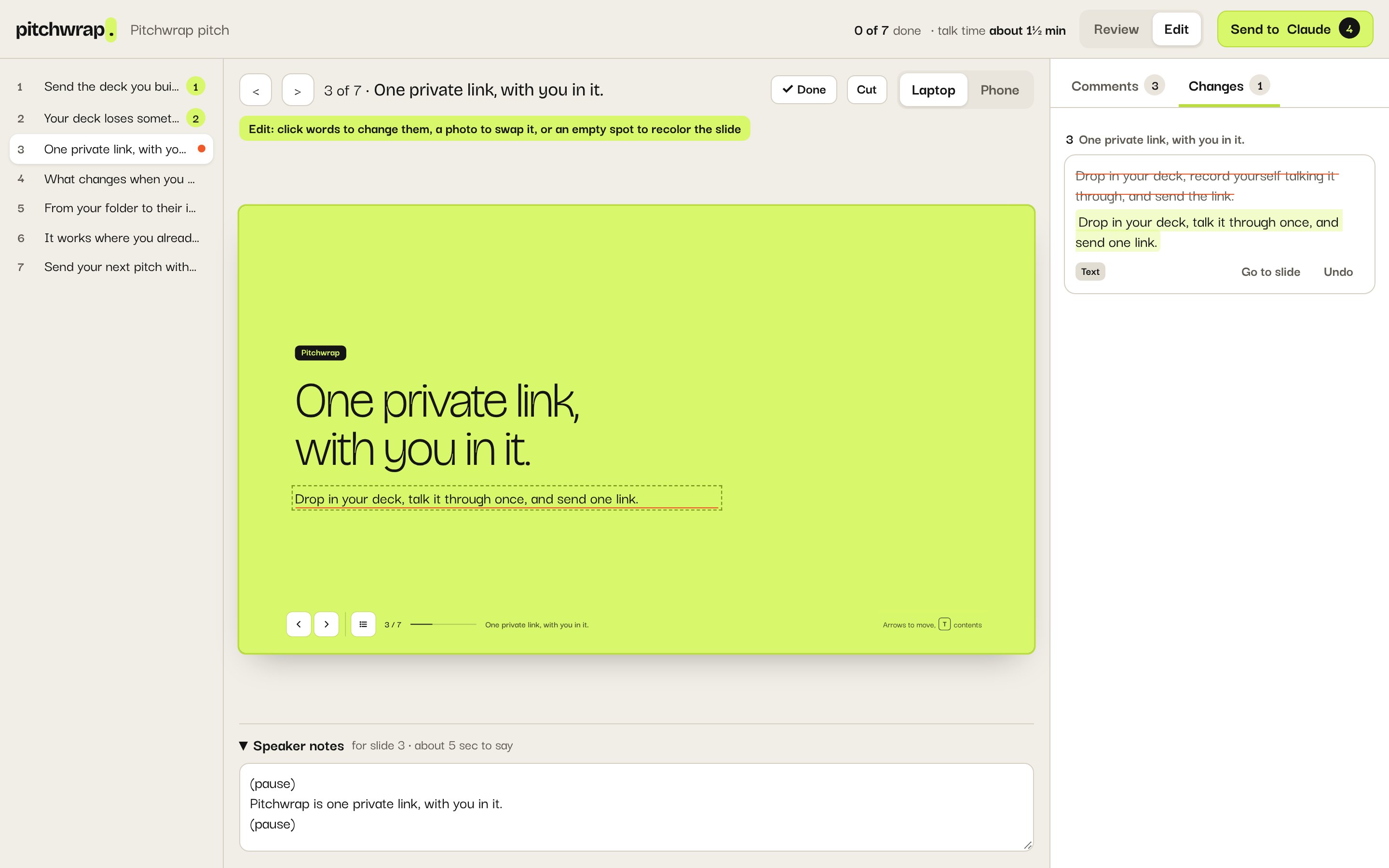
  1. Click the words.

  2. Type.

  3. Press Return, or click away.

A line of text on the slide retyped, and the Changes tab listing it, the old words struck through above the new ones

Swap a photo

  1. Click the photo.

  2. Paste a link and click Use link, or click Upload a photo.
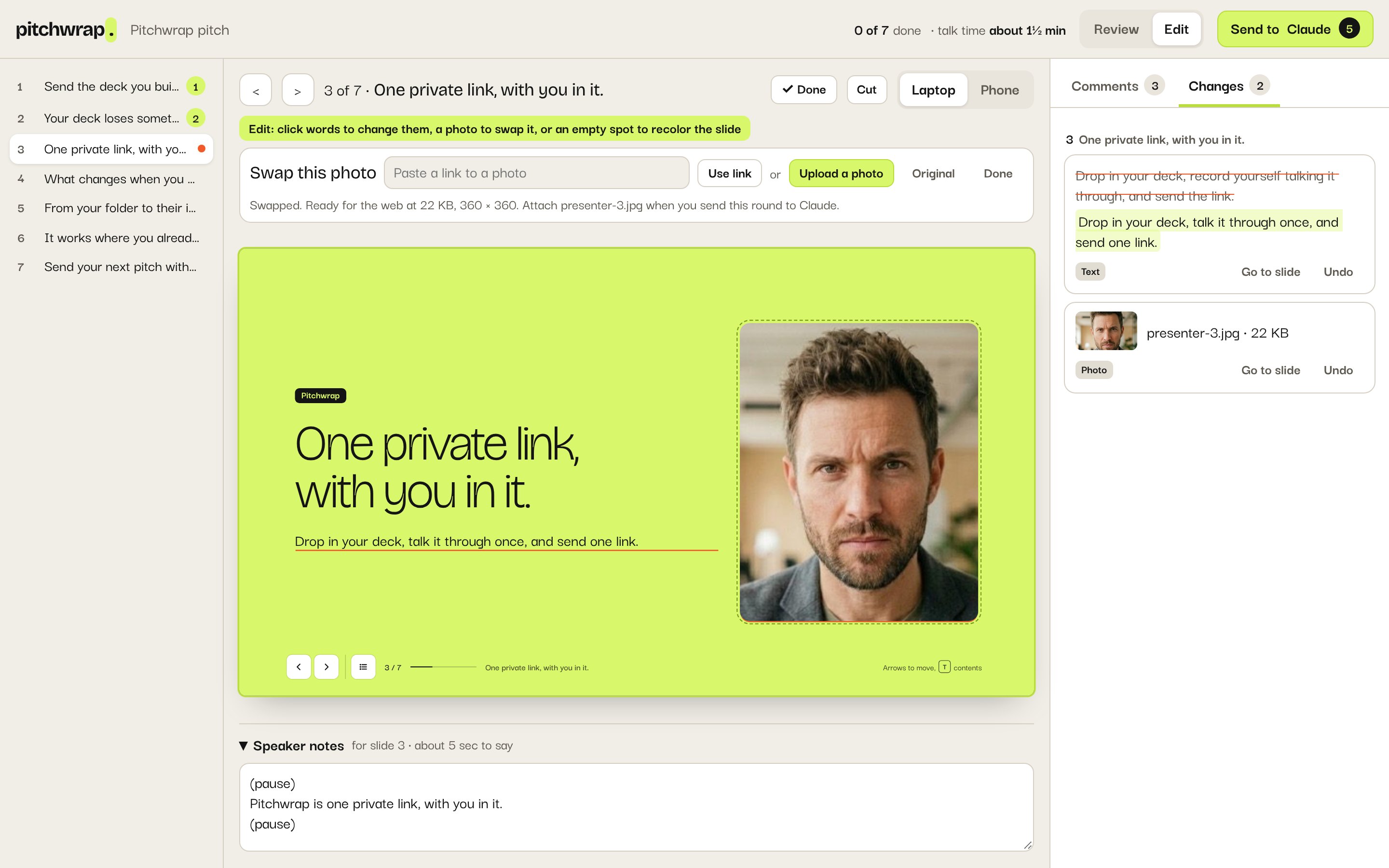
The Swap this photo bar above the deck, with a box for a link, Use link, Upload a photo, Original and Done, and the new photo on the slide
Uploaded a photo? Attach it in the chat when you send the round.

Change a background

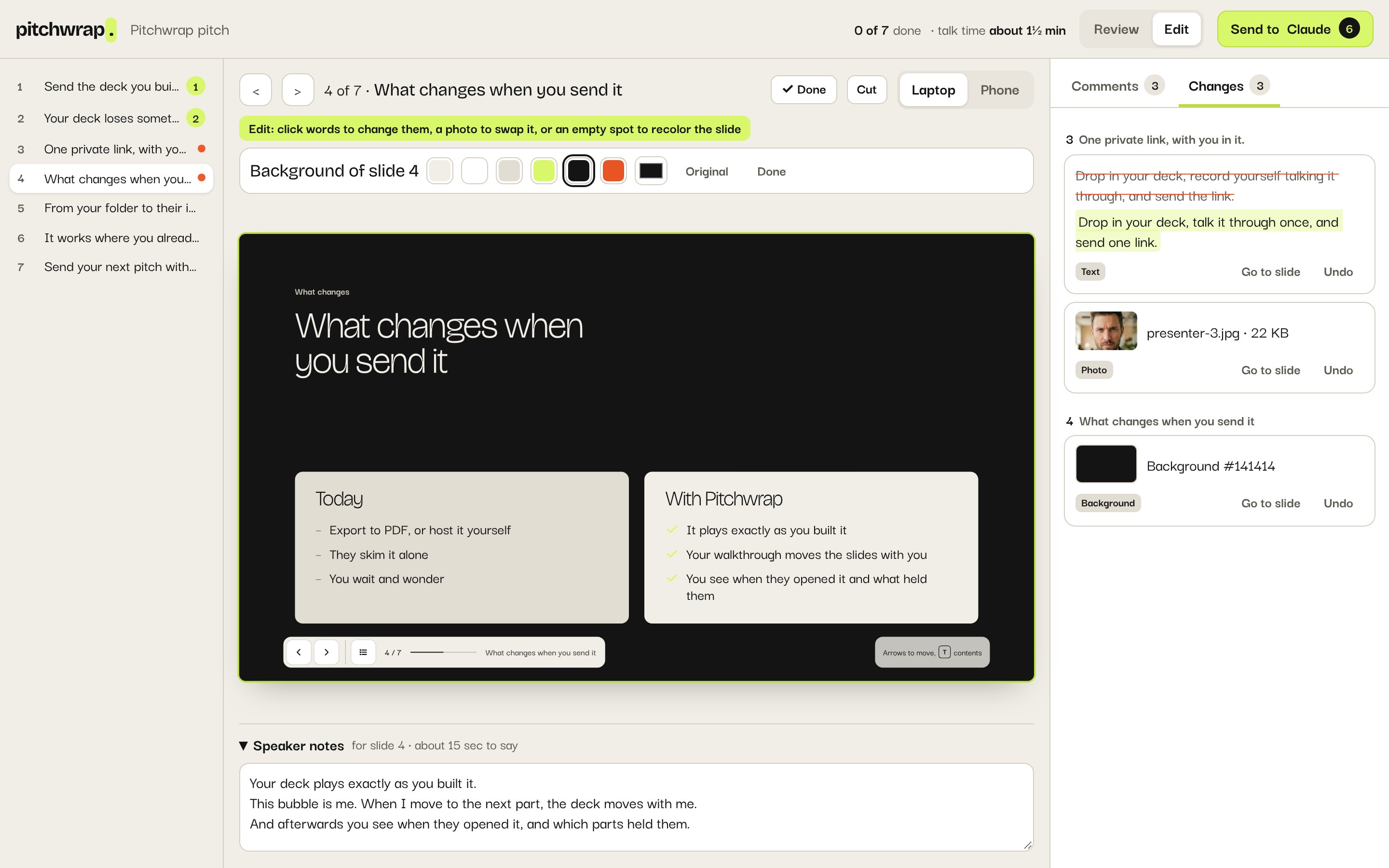
  1. Click an empty spot on the slide.

  2. Pick a color.

The Background of slide 4 bar with a row of colors, black picked, and the slide now black with light text

Undo a change

Every edit is listed in the Changes tab. Click Undo on any of them.
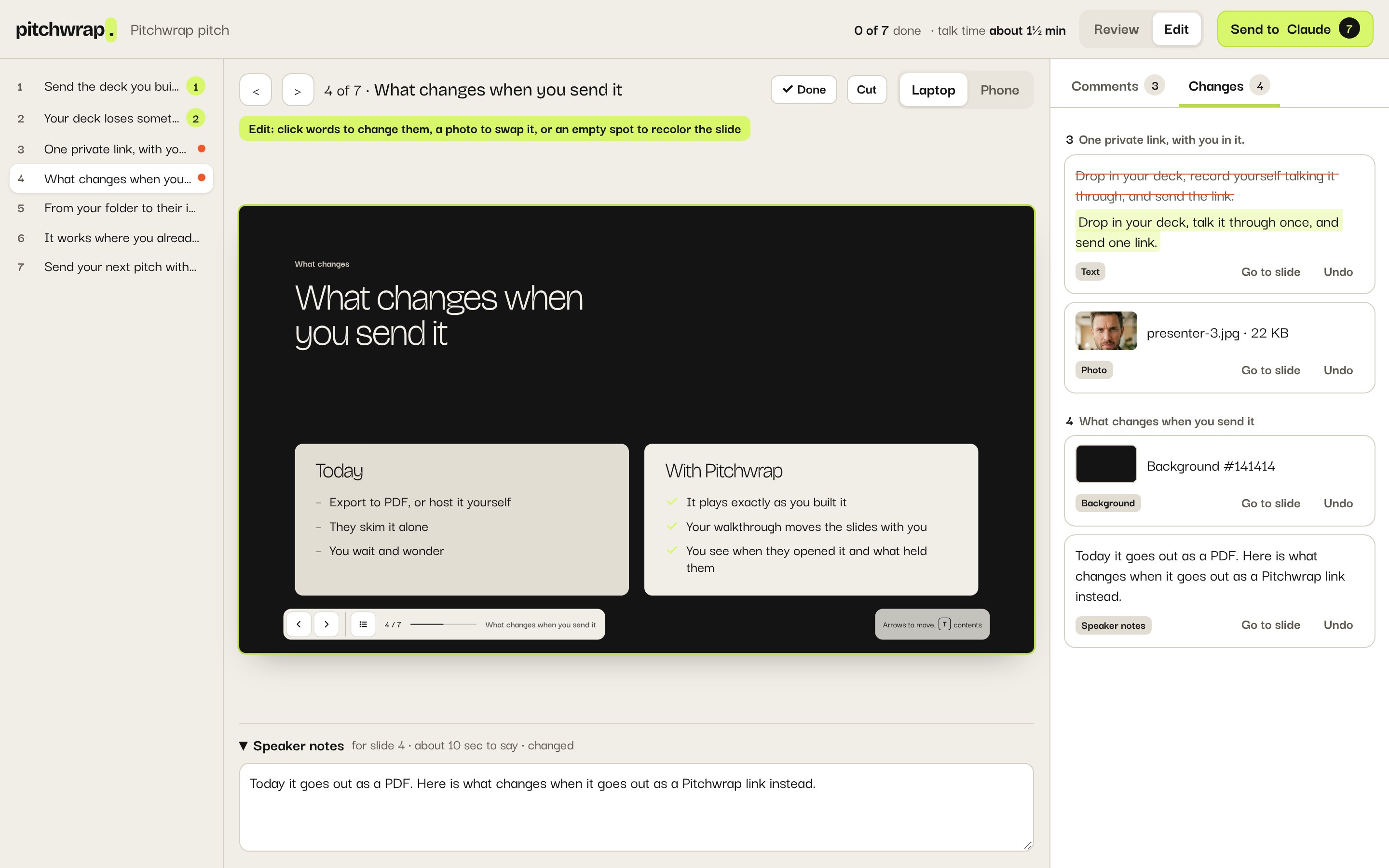
The Changes tab listing a text change, a photo, a background color and new speaker notes, each with Go to slide and Undo

Contact us.

Questions, ideas or a problem with a pitch. We’ll answer by email.

We only use this to answer you. Privacy policy